The Publications Page was added to the Arts & Sciences web theme with some goals in mind.
We needed...
A home for departmental newsletters on the website
A more dynamic layout for news articles or blogs
A way to present brief announcements without the need to click into an Article
The new page was designed for flexibility so section titles are editable, most fields are optional, and all sections are optional. In other words, if you do not add content to a section, the section will not display. You will be able to make as many Publications pages as needed.
For the top of the publications page, you have the option of using either the "Standard" Intro Section or the "Featured News" section. If no content is added, the next section containing content will display at the top. Whichever intro type you select, it will be important that you select articles with images!
Standard Intro:
The section title and subtitle are editable
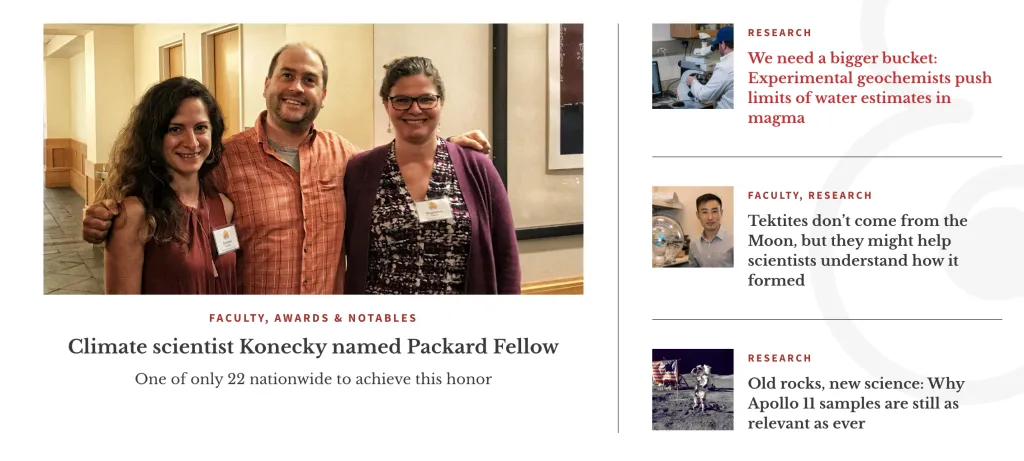
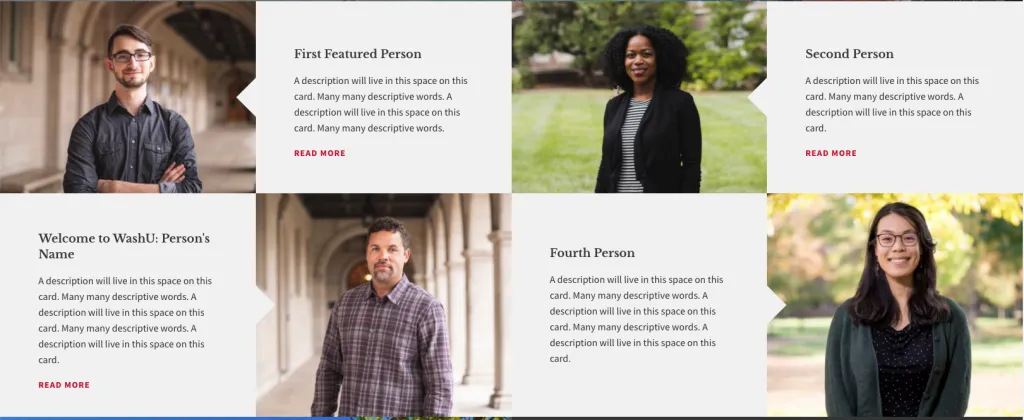
This section will display four article teasers
The three on the right pull in title and thumbnail image
The main article displays the header image and teaser text
All four articles display their taxonomy terms (categories) in red above the title
Featured News Intro:
The section title and subtitle are editable
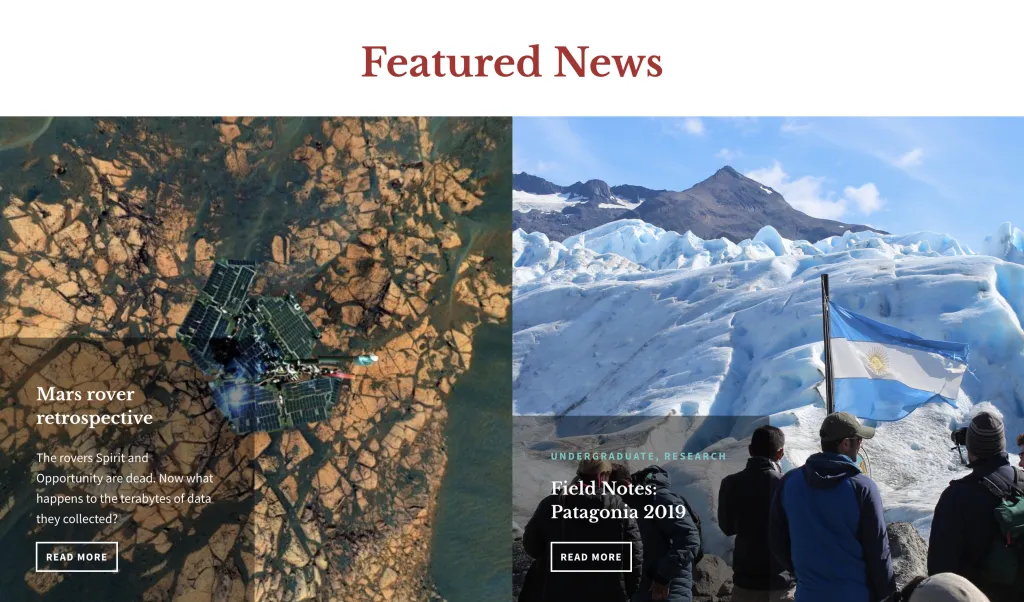
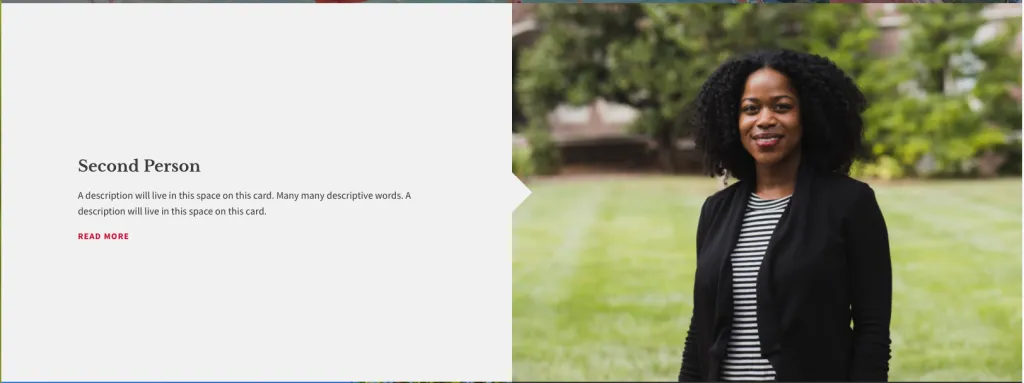
This section will display two articles
Both articles use the thumbnail image and teaser text
The size of the image display is dependent on the size of the photos uploaded to the articles.
If Featured News is being used in the intro section, this section will not show further down the page.
Table of Contents Section:
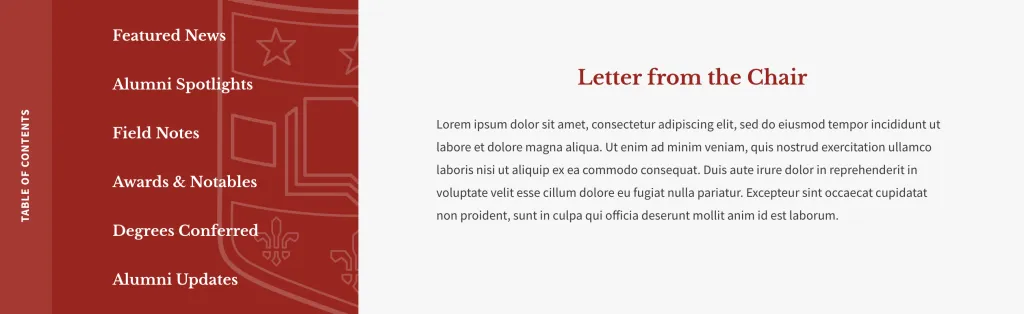
On the left side, you may create anchor links to other sections of the page.
The right side is a text area in which you can enter text or images using the wysiwyg toolbar.
Announcements Section:
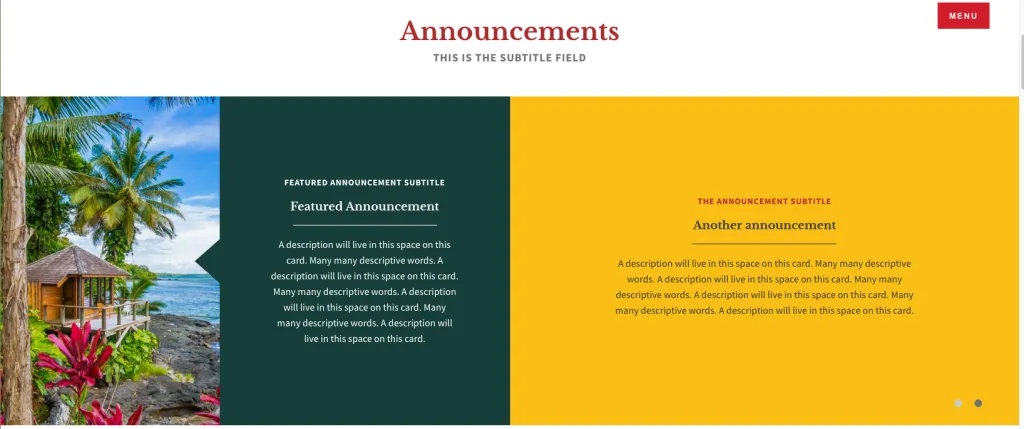
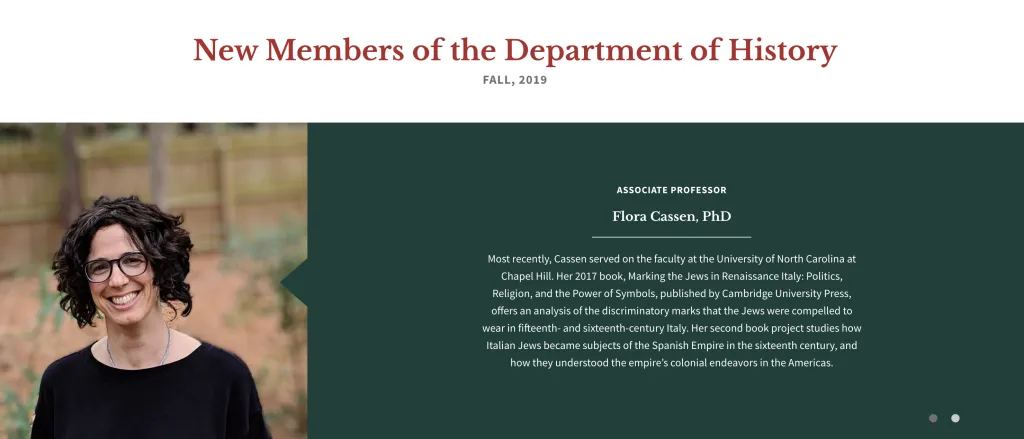
This example uses 3 announcements; a featured announcement on the left and 2 rotating announcement slides on right
The section title and subtitle are editable
Can be used with or without an image
Four options are available for announcement background colors
Featured announcement is "sticky" on the left. Other announcements rotate in a slideshow on the right.
You can have 1 featured and up to 5 "regular" announcements.
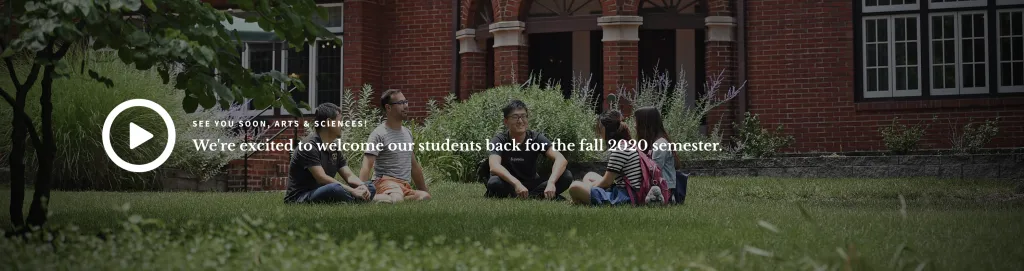
If no featured announcement is used, the slides will be full-width (example below)
This example does not use a featured announcement. Announcements are shown full-width.
Featured News Section:
The section title and subtitle are editable
This section will display two articles
Both articles pull in the header image and teaser text
If Featured News is being used in the intro section, this section will not show further down the page.